
Electronics samples from China: approving hardware and firmware
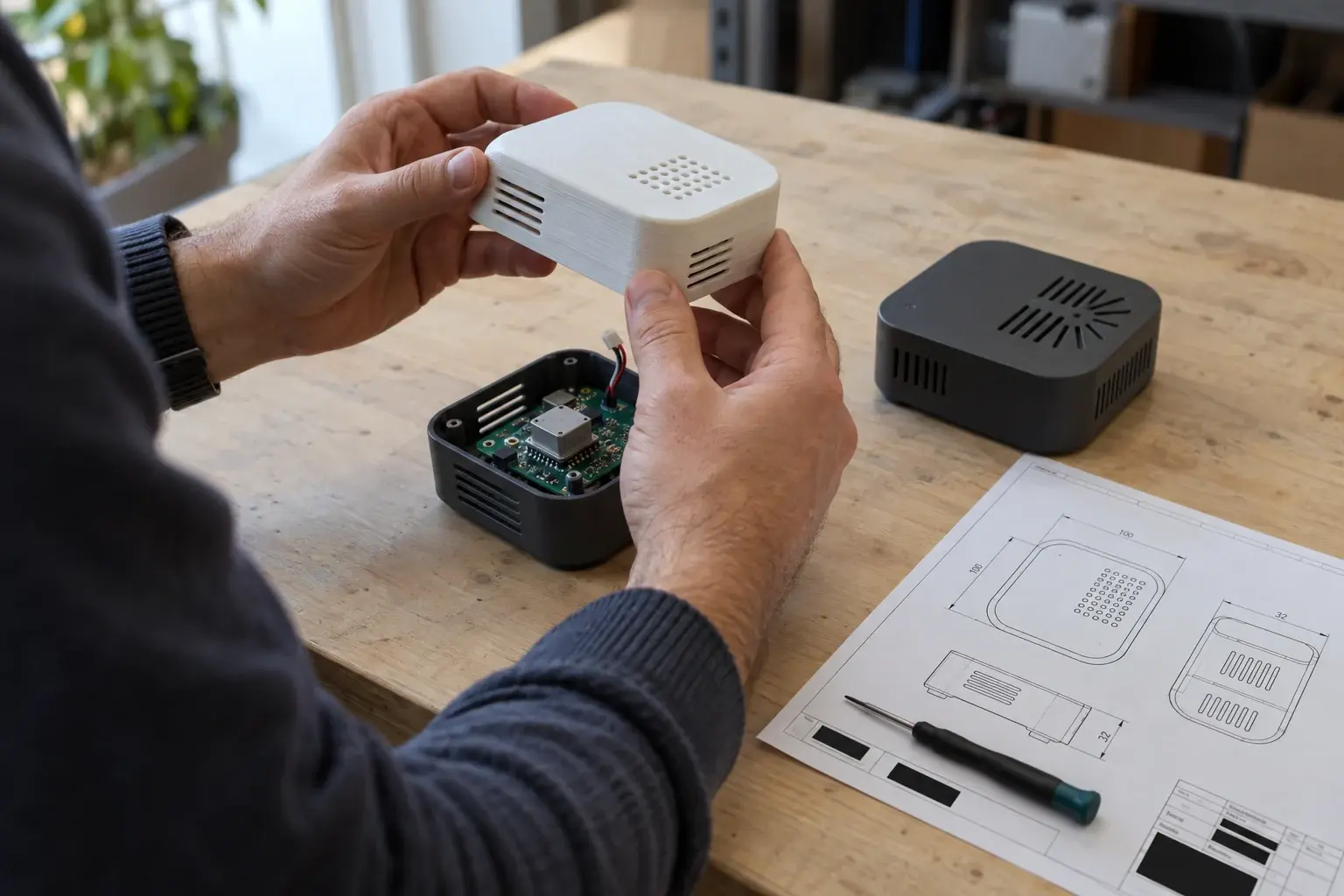
Editorial illustration
GURI Journal · Published 31 October 2026
A working electronics sample can still be the wrong basis for a production order. It may contain an earlier board, a demonstration firmware build or an accessory that will not be supplied in the final kit. These differences can be acceptable during development, provided they are explicit.
Before requesting a sample, define the decision it should support. Reviewing appearance, checking an interface and approving a production configuration are different tasks. GURI recommends recording approval against a specific version and scope, rather than sending an unqualified “looks good”.
Identify what has arrived
Ask whether the sample came from regular production, was assembled separately or is an engineering prototype. Record the model, hardware revision, firmware version and known differences from the intended order.
Give each received unit an internal reference and retain photographs, labels, packaging details and its delivery date. This becomes important when several similar-looking revisions are circulating between the buyer, factory and testing provider.
Maintain an explicit list of unfinished elements. The enclosure material, battery, connector or packaging may not yet represent production. Listing a limitation does not invalidate the sample; it prevents an unsupported conclusion about that feature.
Review hardware and software as one configuration
The tested combination matters. A firmware change can alter the behaviour of unchanged hardware, while a board substitution can affect existing software. Include the application version and relevant settings where an external app is part of the product.
Seeed's guide to sample validation identifies hardware and software integration as a distinct area of review. For a buyer, the useful discipline is to preserve the tested configuration and require a clear description of later changes.
If the supplier promises a corrected production firmware, request the change list and a method of confirming the correction. A promise to fix the main function is not evidence that it has been fixed.
Define meaningful compatibility checks
A connector's appearance does not describe every supported function. Identify the devices, cables, adapters and software environments relevant to the intended users. Ask the supplier to state supported combinations and known limitations.
Test the supplied kit where the decision concerns the kit. Substituting an office cable for the included one may help diagnose a problem, but it answers a different question. Record both results clearly.
Avoid turning a successful check with one phone or computer into a claim of universal compatibility. Choose a justified set of important scenarios and keep unsupported combinations outside the approval statement.
Separate observation from measured performance
Ordinary operation can be observed. Claims about capacity, speed, output or runtime need appropriate methods and conditions. Agree the equipment, procedure and acceptance criteria with a competent provider where necessary.
Safety testing and battery testing should not be improvised by a buyer trying to make a quick comparison. Do not dismantle, overload or heat a device to reproduce a dramatic online demonstration. Arrange the relevant specialist work.
Record the conditions with the result. “Runs for three hours” is not a useful comparison if the operating mode is unknown. If the available evidence does not support a proposed marketing claim, revise the claim or obtain suitable evidence.
Follow the ordinary user journey
Review unpacking, locating the instructions, making the intended connection and using the documented functions. A person unfamiliar with the design may find a confusing step that the engineering team overlooks.
For a connected product, check the necessary service in the intended region using an agreed test account and test data. Note subscriptions, account dependencies and supported reset procedures. Do not use real customer information merely to demonstrate functionality.
Compare the language in the interface, manual and packaging. A technically correct translation can still be confusing if it names a button differently from the device. Describe issues by reproducible steps so the supplier can investigate them.
Review the complete package
Inspect accessory placement, product restraint, labels and the ease of removing the device. Confirm which materials and construction will be used in the production packaging; a handmade presentation box may not represent the final shipment.
Transport protection requires a suitable assessment for the distribution route. An attractive box and a successful functional demonstration are not evidence of transport performance. Update freight calculations when approved packaging dimensions change.
Close findings before expanding approval
For each issue, record the observation, expected outcome and how the correction will be checked. Keep correction of a defect separate from a request for a new feature, because the commercial and scheduling implications may differ.
Identify the revised unit or software build and repeat the affected checks, including related functions where appropriate. Preserve the earlier findings rather than overwriting them; the change history explains why the final version was accepted.
State exactly what approval permits: another sample, a pilot run or production of the identified configuration. A pilot run can reveal repeatability and assembly issues that a separately prepared unit cannot show. The final record should explain what was accepted, what remains unresolved and who authorizes the next stage.